

Basic Information:
- Date of introduction of the euro in Bulgaria: 1 January 2026 (the euro becomes the official currency in Bulgaria, the lev ceases to be the official currency)
- Double circulation period: from 1 January to 1 February 2026.
- The period of dual indication of prices of goods and services in euro and in lev ends on 8 August 2026.
- Payments in euros only: all new payments -> in euros; taxes, fees, contributions -> in euros; salaries, pensions -> paid in euros
How to prepare online stores:
- Backup the database (via the hosting or with UpdraftPlus – Backup/Restore or another plugin)
- Pause the store while making changes (e.g. maintenance mode)
- Change the store currency from WooCommerce > Setting -> Currency options
- Recalculate product prices (regular and with variations)
- If you don’t have a lot of products – you can make it by hand
- If you have a lot of products you can use:
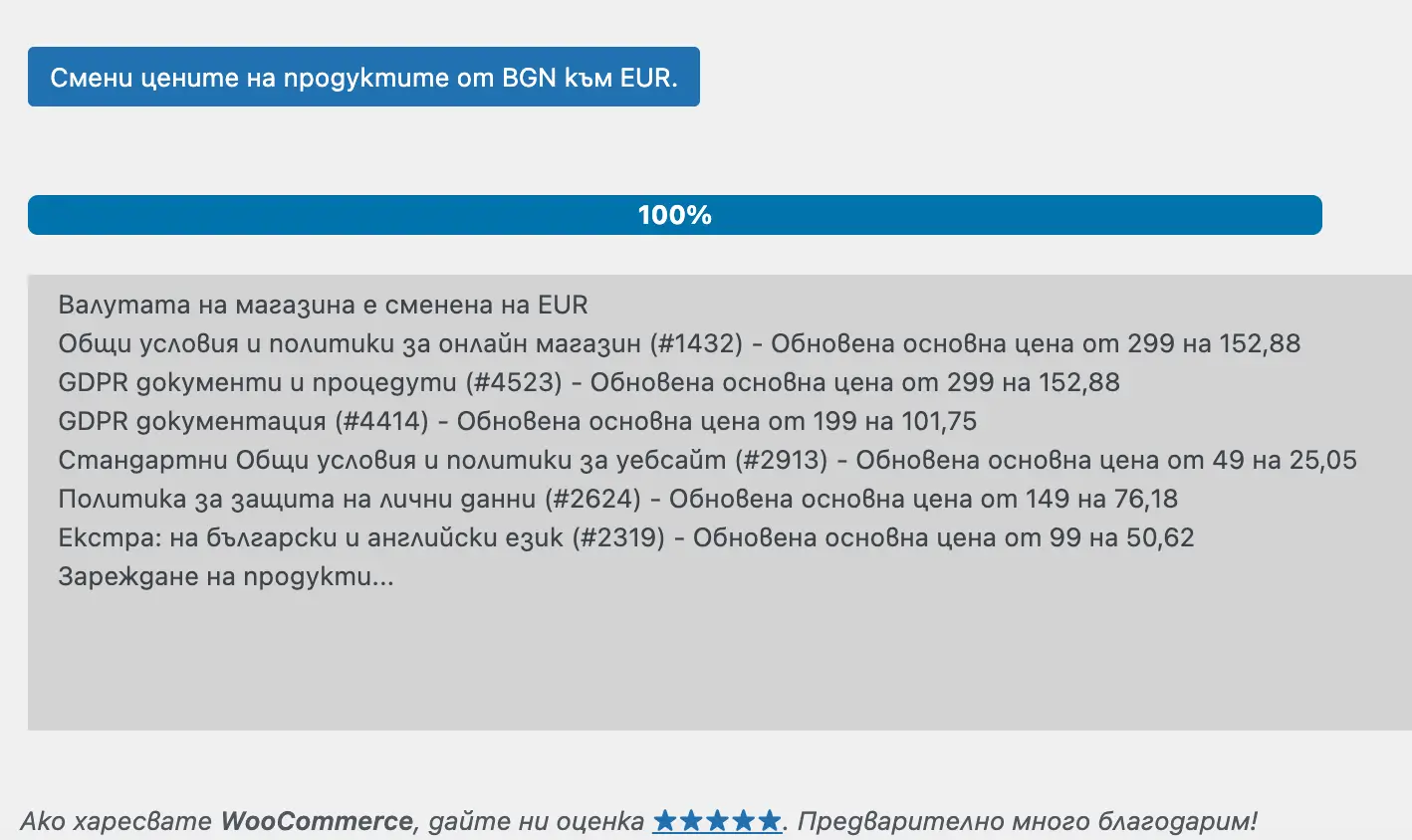
- Check other plugins if you are using ones that manipulate prices. For example, plugins that add discounts with a fixed price (which used to be in euros); show a different price depending on the role of the customer; affiliate plugins, subscription plugins, etc.
- Check the shortcodes and plugins if you use them.
- Check POS terminals:
- Stripe require to enter IBAN in Euro: Settings->Business->Bank accounts and currencies-> Add a settlement currency
- Borica: in the plugin settings transfer everything from Terminal BGN to Terminal EUR and save.
- DSK vPOS – To ensure payment acceptance and processing, you must change the currency code on your virtual POS terminal after January 1, 2026:
от BGN (975) ➝ на EUR (978). After this date, the BGN (975) currency will no longer be available for payment processing. (You need to log in to https://vpos.dskbank.bg/auth/login and change the currency via the Dashboard)
- Update product feeds (for Google, Meta, etc.)
- Update the currency in the shipping plugins. For WooCommerce Speedy Shipping Method By EXTENSA WEB DEVELOPMENT is mandatory from the settings.
- If you are using WPML or another multilingual plugin and you use two currencies, turn off the lev one.
See also:
More on this topic: WooCommerce has released a built-in order cancellation feature: how Order Withdrawal works in version 11.1, New contract cancellation requirements for online stores effective June 19, 2026, and building an online store with WooCommerce.

